FIELD NOTE 025 / MESSAGING CHANNELS
WhatsApp Business API vs the WhatsApp Business App: Which One Fits Your Business?
API or app? A practical comparison of WhatsApp automation options for Kenyan businesses — cost, limits and when to upgrade.
By Harrison Ndeke · Published October 17, 2026 · Updated October 17, 2026 · 8 min read
MESSAGING CHANNELS
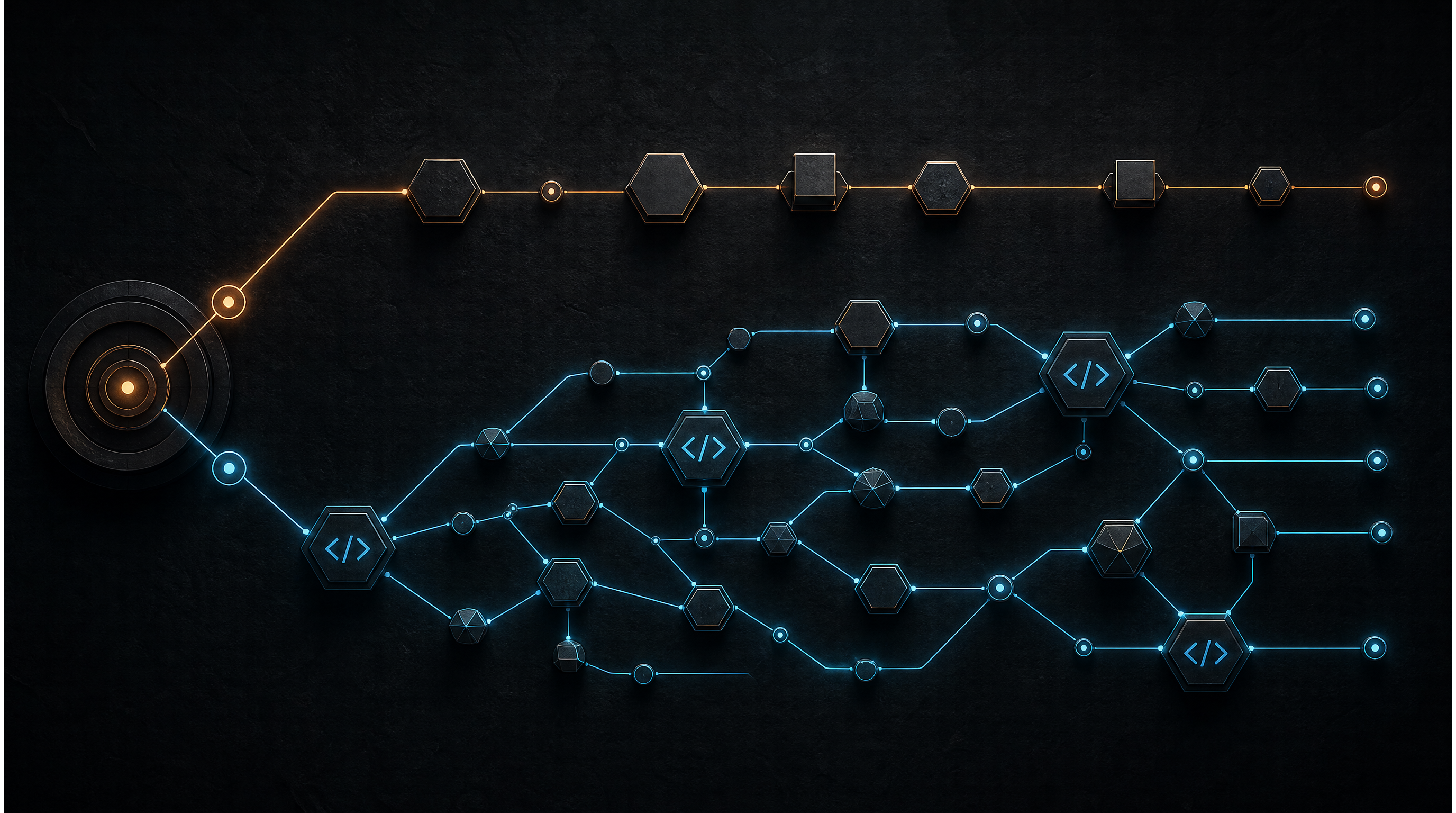
APP → API → AUTOMATION → HUMAN TAKEOVER
In this article
DIRECT ANSWERThe free WhatsApp Business app is the right choice while you are small: one phone, direct chats, a catalog and quick replies. It stops being right when you need team access, broadcast at volume, or automation — at that point the WhatsApp Business Platform (API) is the honest upgrade path. The table below decides it in one look.
Key Takeaways
- The app is free; the API is not:You pay per conversation (Meta's pricing categories) through the official platform or a Business Solution Provider once volume kicks in.
- Multi-agent is the usual trigger:The app is effectively one phone. If three staff cannot share the inbox without stepping on each other, the API's team routing matters more than any bot.
- Official automation only exists on the API: Templates, webhook-triggered replies, and integrations with your CRM or payment flow are API capabilities. On the app, they are DIY shortcuts with ban risk.
- Migrate your number — don't start over: Moving an existing number from the app to the API is supported; most builds start on the number your customers already have.
WhatsApp Business App vs WhatsApp Business API: The Comparison
Both routes are official Meta channels. The differences are capacity and control:
| Dimension | WhatsApp Business App (free) | WhatsApp Business API / Platform |
|---|---|---|
| Cost | Free app; free calls over Wi-Fi. | Free tier exists for service conversations; business-initiated conversations (templates) are charged by Meta's pricing categories, in USD — check the current Meta rate card, it shifts. |
| Team / multi-agent | Effectively one phone; screensharing or multiple phones with separate chats. | Unlimited team members through dashboards and multiple routing; separate staff cursors over the same customer thread. |
| Automation capability | Manual replies, quick replies, labels, working hours. No official programmatic hooks. | Webhook-triggered flows, automated FAQ answering, lead capture, CRM syncing, escalation to a human — all through official API surface. |
| Broadcast at volume | Broadcast lists cap out and only reach contacts who saved your number. | Template-based messaging at scale to opted-in audiences, with per-message tracking. |
| Official approval | Nothing to approve. | Business verification with Meta before scaling message volumes beyond the entry tier. |
| Integrations (CRM, payments, orders) | None — copy-paste territory. | Order/payment notification flows, CRM logging, and follow-up sequences are exactly the scope an API build is for. |
Signs You've Outgrown the App
- Missed messages: Inquiries arrive on one phone while the person who can answer them is asleep or on another job.
- The one-phone bottleneck:Photo of the screen as your CRM, a colleague asking "did you reply to her?" across the office, two bookings double-promised.
- No follow-up trail:Quotes sent but never chased because there is no system that remembers; a lost week's conversions invisible in the phone archives.
What an API Build Actually Involves
- Number verification and registration: Your number is verified with Meta and attached to your business — or migrated from the existing app so your customers keep the same contact.
- Business verification: Meta approves the business to run higher message volumes; entry tiers exist, but scale requires the verification step.
- Conversation-based pricing, in plain terms: You pay for messaging with templates that start conversations (marketing, utility, authentication categories have different rates); customers replying inside the service window is rate-light conversation. Volumes and rate changes are checked per-project before quoting.
- Build scope: A typical focused build for a Kenyan SME — number set-up, an inline webchat or n8n flow pairing their decision-making with an automated FAQ, capture into a simple CRM (e.g. leads-to-database), and human escalation for anything a bot can't answer — sits in the pricing band of KSh 80,000 – KSh 250,000 over 2–4 weeks. Prices, scope and timelines are confirmed in writing from the assessment. Understanding these costs in context is part of our broader Kenya AI automation pricing breakdown.
Common Mistakes
- Unofficial automation tools that risk bans.Consumer-grade "WhatsApp automation" apps run on unofficial bridges — tooling Meta does not sanction — and mass-auto-replies on a personal or app account is the fastest route to an account suspension. Say this clearly: if the tool routes your number through unofficial bridges rather than the WhatsApp Business Platform, treat the ban risk as real.
- Prototype bridges, prototype risk posture. We've built conversational WhatsApp flows ourselves using an unofficial bridge for prototyping — our WhatsApp AI chatbot mission documents exactly that: fallback logic and safety prompts handled, deployment on that earlier route treated as prototype-stage, not a production recommendation. Production builds in practice are designed around the official WhatsApp automation service path with validated flows and human-takeover controls.
- Automating before the process is stable.Bot-after-stable-process beats bot-before-stable-humans. Reformulate your manual replies first — a bot will faithfully echo whatever mess you've given it.
If you're weighing an AI assistant on the channel at all, the broader piece on our AI chatbot development practice covers what a conversational build is for versus what a workflow still should handle deterministically.
Frequently Asked Questions
How much do WhatsApp API conversations cost?
It depends on message category and country rates, which Meta revises. Customers messaging you inside a service context is the rate-light case; marketing templates launching conversations are the costly category. Before any build we pull current rates, estimate your volumes from real message data, and put the projected monthly cost in the quote so the mechanics surface in writing, not on your first invoice.
Can I keep my existing number and move it to the API?
Yes — numbers migrate from the Business app to the API platform under supported registration flows, so customers keep the saved contact they already have. Timing and back-up of chat history are the moving parts to get right during migration; plan the switch rather than discovering your archive mid-flow.
What are the actual ban risks in WhatsApp automation?
Mass recipients with no consent, template content Meta rates spammy, and third-party/unofficial tooling that reads or sends messages outside Meta's sanctioned interfaces — that layering of shortcuts plus volume is precisely the profile that triggers account suspensions. The official path with opted-in, template-governed messaging is the long-term survival route.
How long does an official WhatsApp automation build take?
Typical focused scope runs 2–4 weeks from kickoff: verification and registration in the first week, flow build and testing over the following weeks, and a delivered system with human escalation built in. Bigger scope — multi-channel enrichment, CRM integration, nested approval flows — shifts toward the 6-week mark and gets quoted in writing from the assessment.
Which Route Fits Your Business?
If you can name one volume problem — unanswered leads, one-phone coordination, no follow-up loop — the 48-Hour Secure Digital Workflow Assessment (KSh 35,000 / $280) maps the queue and pairs it with the right channel boundary before you spend on anything.
- Email: ndekeharrison8@gmail.com
- Phone: +254 792 185 625
- WhatsApp: Chat on WhatsApp (+254 792 185 625)